Wordpress… what a pain! I’ve been neglecting my blog for quite a while, and seemingly spent way too long trying to keep it up. As of late, every month or so, the LightSail instance on AWS running my blog (and several others) just wants to die. The database keeps corrupting (with so much spam comments), the admin panel is unbearably slow, and all while it costs me around $12 AUD per month to keep running.
This was already better than what it was. Previously I was on Dreamhost, which was on shared hosting, costing a slightly more, but was hosted only in the US and had poor performance.
A few years ago, I was playing with SSR and SSG but never got around to implementing for my own site, so this was the jump! At the time, I had played around with AstroJS as well as NextJS. This time around, AstroJS would lead the way for me. Regardless of tooling, I needed to also make sure I could export all my posts from Wordpress to not have to completely start over.
#Steps
In terms of guides, https://www.itsthatlady.dev/blog/migrate-from-wordpress-to-astro/ is one of the cleanest to follow.
This template was one of the simplest to get going with: https://github.com/devgelo-labs/astro-starter-pro. However, it was just a bit corporate for my liking. I ended up with https://github.com/alec-c4/spaceship instead, but this one has a steeper learning curve as it uses both AstroJS as well as Svelte, where as the previous one was just AstroJS which is enough to get you going.
Getting CI/CD running first was key. This guide https://dev.to/niteshkmdev/deploy-static-sites-to-aws-s3-using-github-actions-nextjs-react-vue-astro-3dd0 was super straightforward to follow. The only change to this (right at the end) was to include Cloudfront invalidations which is covered here: https://corytrimm.com/posts/automating-astro-deploys-to-aws-from-github-actions/
You do need to make sure you can export your wordpress instance. Mine ended up being around 20MB or so. Following that, you’ll be running npx wordpress-export-to-markdown from your local, making sure you consider the format you need the dates. E.g. in my case, I needed to quote it --quote-date=true
After running the export, it’ll generate an output folder with all your posts and hopefully, images as well. It’ll try its best to find them, whether its linked directly or scraped.
The other steps I needed was to also bring in all my photos. This was a pain. I had previously used NGGallery which was a pain. This mean that for 50 or so albums, all I had was [ng-gallery=1]. This meant that I had to find all the photos, download them all, match them up with the albums themselves, and reassociate them. This took the most amount of time, but it ended up reviving a lot of my old posts which had died previusly.
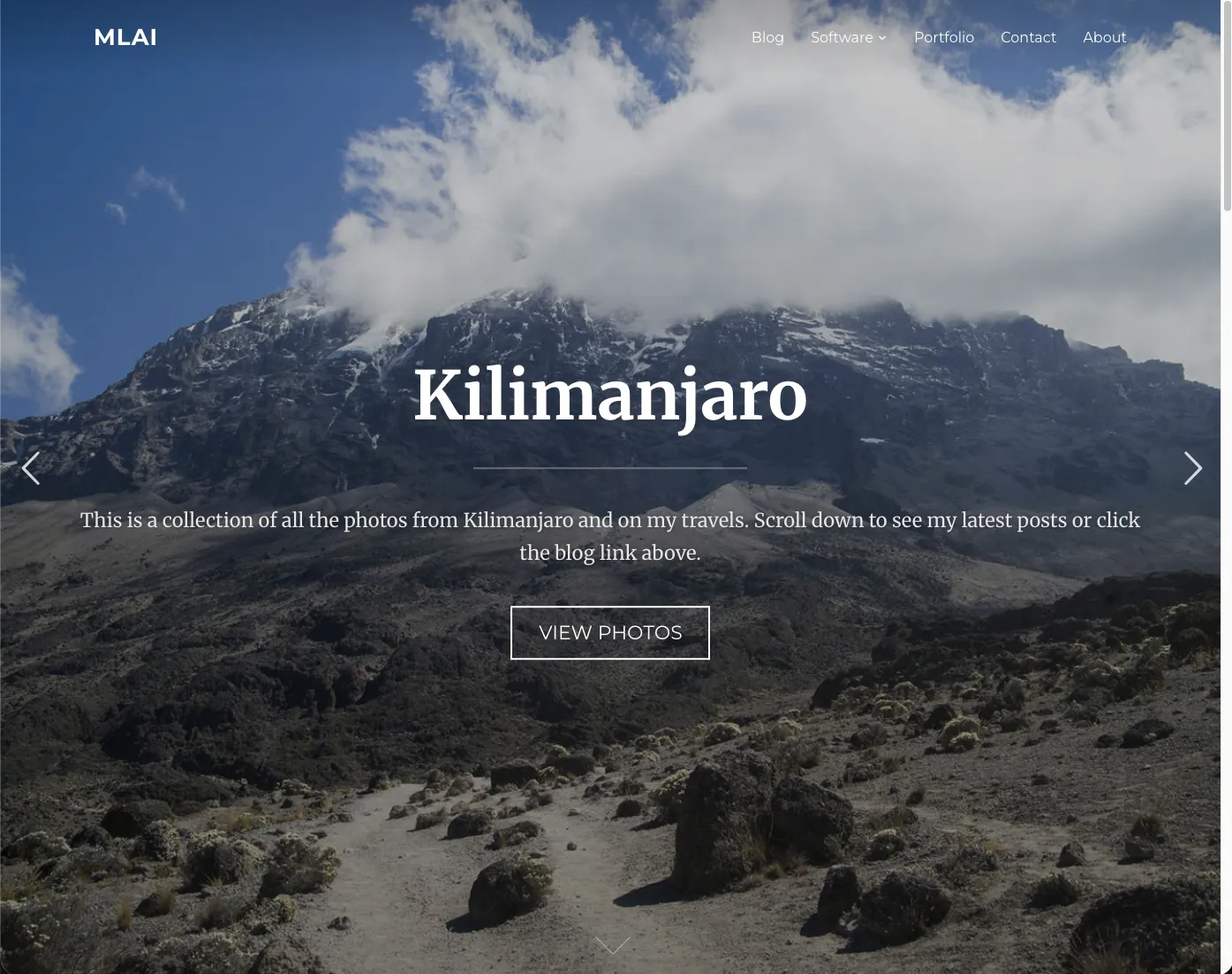
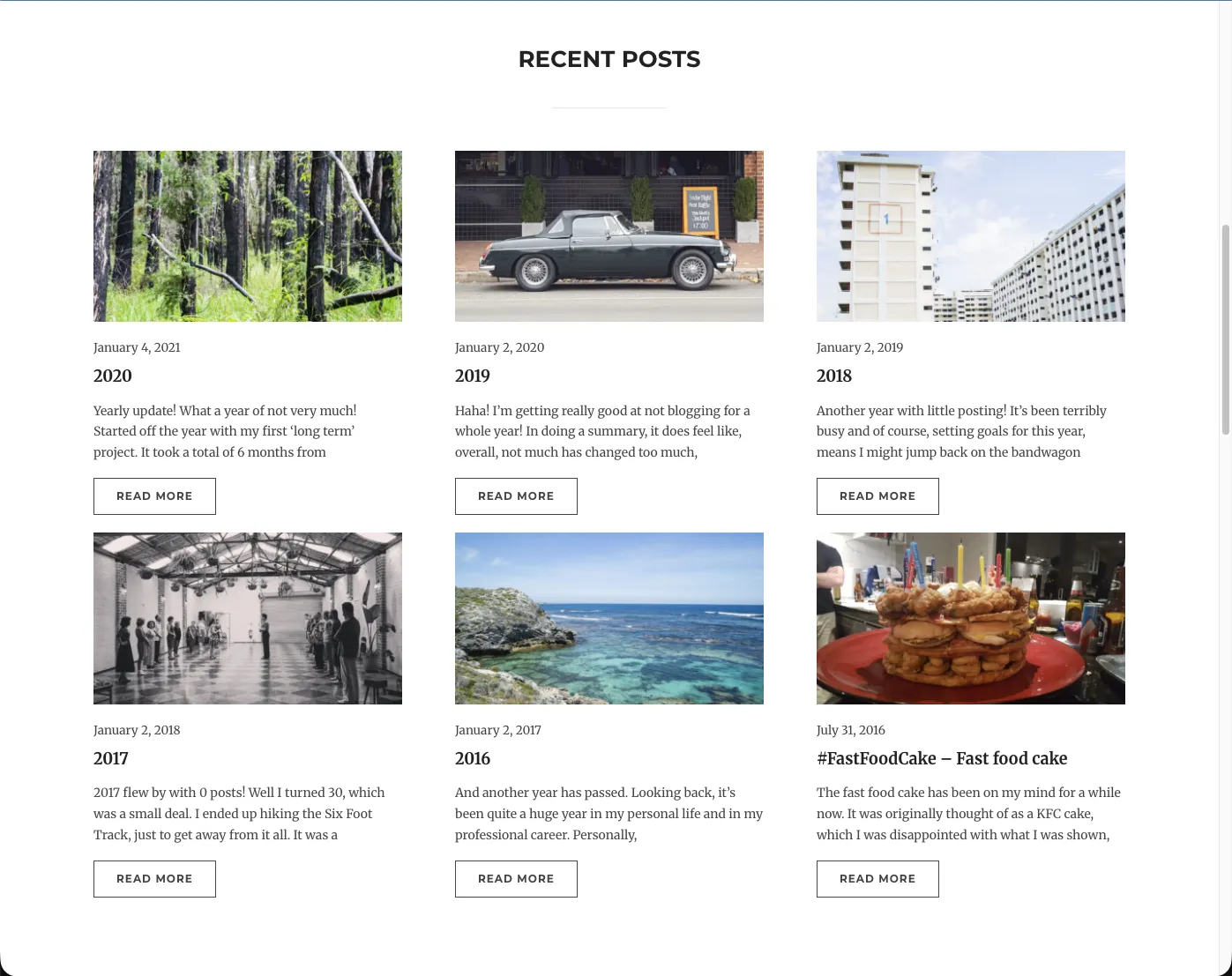
Once my posts were all sorted, then it was just configuring spaceship to work how I wanted it to work. I needed images on the home screen tiles as I do tend to have a lot of photos, make use of categories instead of tags and had to rename a number of paths to get it somewhat in line with how my site used to run.
I maintained a similar architecture with having Cloudfront for handling caching and routing and S3 hosting all the static pages.
#Summary
Overall, I’m hoping that I end up saving a bit on the cost of running my blog, but moreso, on not needing to spend more time than I need to. It has taken me 12 hours to so to have moved my whole blog over to a new stack, new tech, fixing all the images and getting it deployed. Not a bad way to spend a rainy weekend!
Farewell to v3!
#Snapshot